Snake Game Documentation
This Snake Game is a modern twist on the classic arcade favorite. Developed using Pygame, it offers smooth gameplay, clean visuals, sound effects, and intuitive controls. Whether you're chasing high scores or just vibing with the retro aesthetic, this game hits the mark.
Game Screenshots
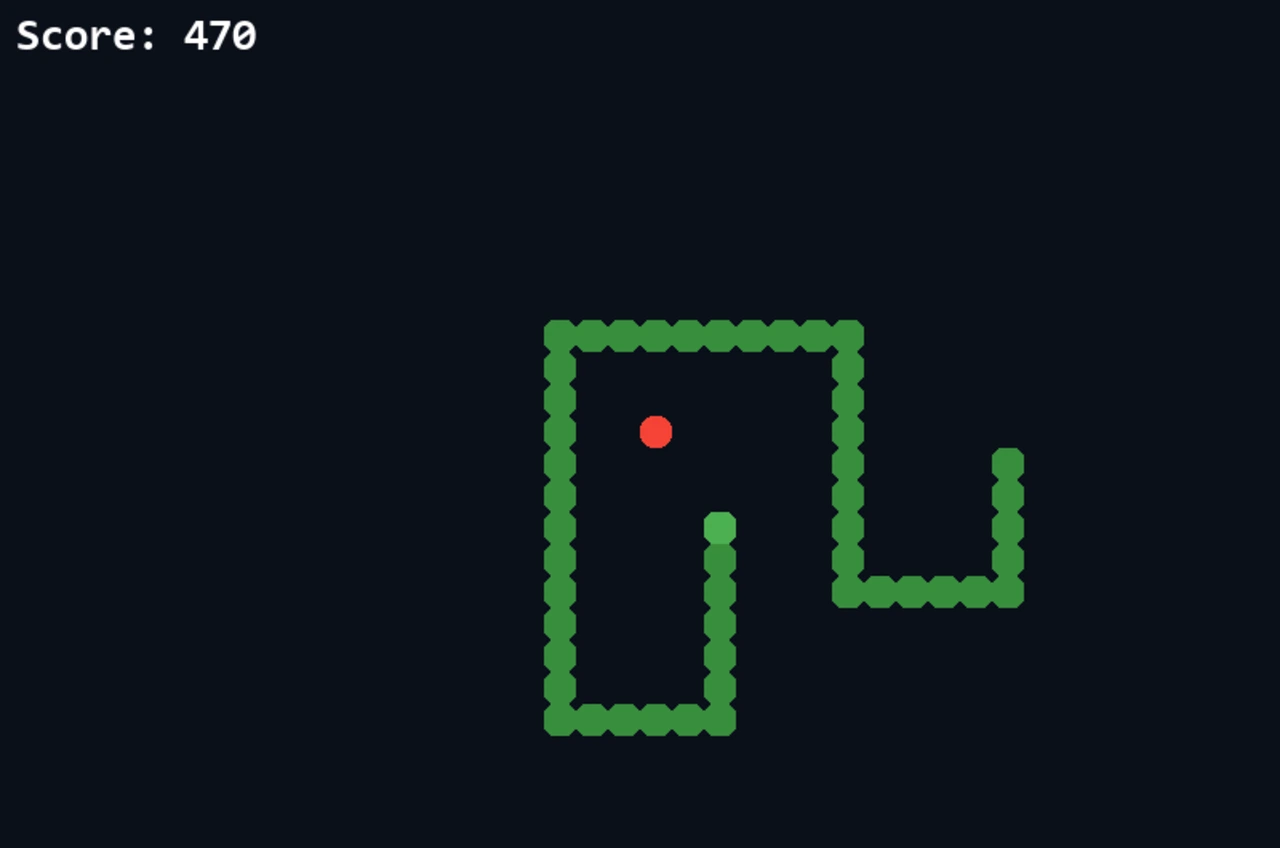
Game Features
Classic Snake Logic
Grid-based movement with tail-growing mechanics and self-collision detection
Sound Effects
Includes collect and game-over sound effects for better feedback
Pause System
Press Space anytime to pause/resume the game
Start & Game Over Screens
Interactive buttons for starting the game and restarting after game over
Game Design Philosophy
The game design sticks to a minimalistic style to retain the charm of the original Snake, while adding modern polish with UI elements, smoother animations, and sound design. The clean background and color contrast ensure easy tracking of the snake and food even during longer runs.
The game is built to be accessible — the controls are simple (arrow keys), and the difficulty increases naturally as the snake gets longer. The screen wraps around grid edges, giving more room for movement, but self-collision keeps the challenge alive.
Technical Implementation
The game was implemented using the following core systems:
- Grid-based movement using modular arithmetic for wrap-around
- Collision detection for both food and self segments
- Button system for start menu and game over interactions
- Dynamic difficulty with increasing snake speed
- Sound integration via Pygame mixer
The game logic is designed around clean OOP principles — `Snake`, `Food`, and `Button` classes handle their own states and rendering. The use of a centralized `game_loop()` ensures everything updates at a consistent frame rate, with proper event handling and state transitions.